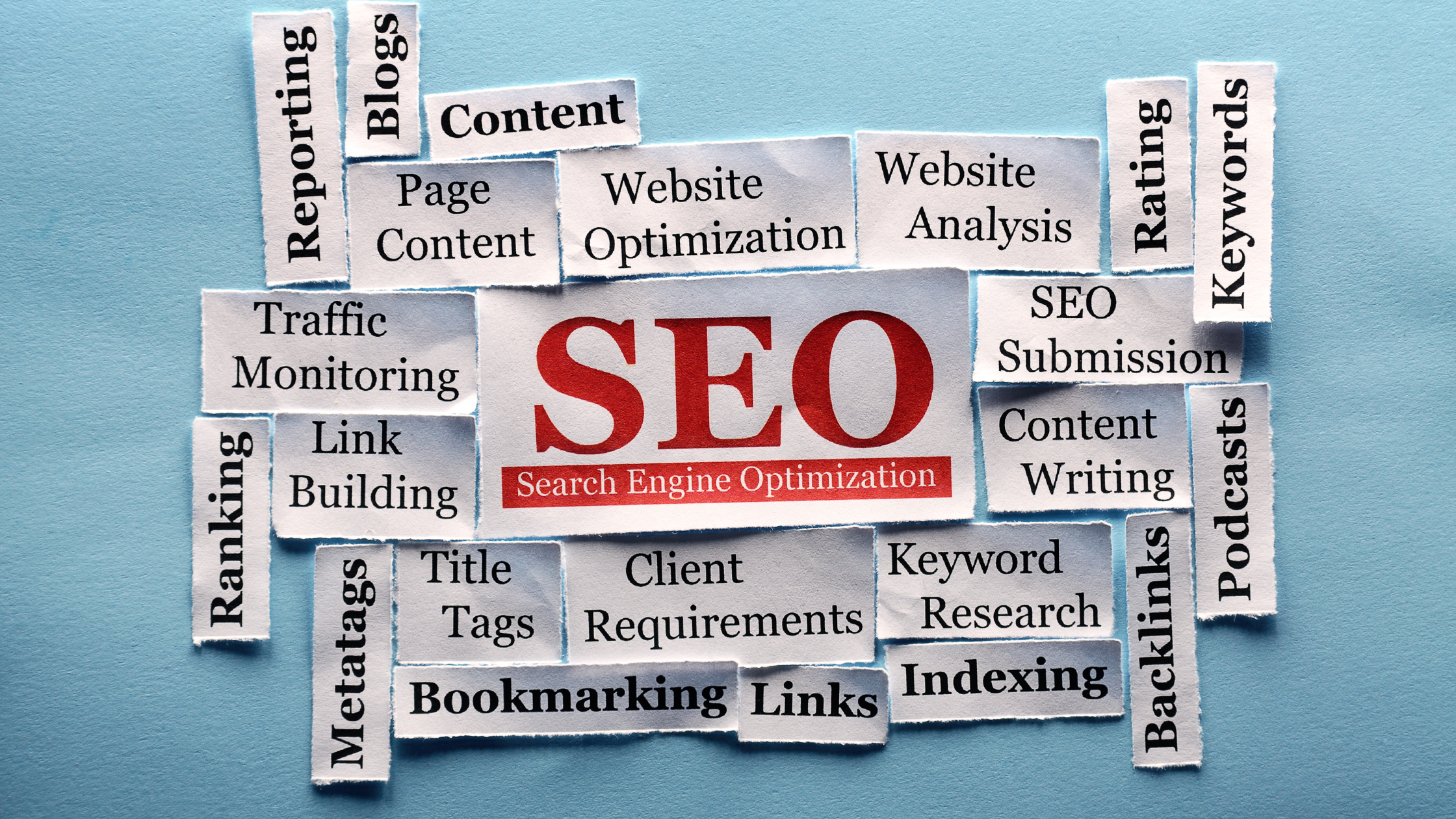

Local small business owners feel the squeeze first when economic downturn challenges hit: leads slow, customers hesitate, and every marketing dollar is questioned. Too often, the website becomes the weak link, hard to update, unclear in its message, and out of sync with what customers need right now. The smartest digital marketing during a recession starts by treating the site as the core sales and service channel, using focused website optimization strategies to protect trust and reduce friction. Done well, that shift strengthens customer satisfaction.
Build In-House Web Confidence With a Flexible IT Learning Plan
Once you’ve decided your website deserves attention, the next lever is building the know-how to manage those improvements with less guesswork. Going back to school, especially through structured online education, can strengthen your web and IT knowledge so you can better handle day-to-day website needs, ask sharper questions of vendors, and make more confident technical decisions. Earning an information technology degree can also build your skills in IT, cybersecurity, and computer science, which often overlap with the realities of running and protecting a business website. And because it’s online, it’s easier to keep learning while you run your business; if you want a flexible place to explore options, you can get informed here.
High-Impact Website Upgrades You Can Implement This Month
Small upgrades can produce outsized results when budgets are tight, especially when they remove friction from your customer journey. Use the same in-house learning rhythm you’ve been building (a weekly focus area, a short checklist, and a measurable goal) to ship improvements consistently.
- Streamline your navigation to match real customer tasks: Review your top navigation and reduce it to 5–7 primary items based on what visitors actually come to do (e.g., “Services,” “Pricing,” “Book,” “Support,” “Contact”). Move low-priority pages into the footer and add a clear “Start here” path for first-time visitors. This website navigation improvement works because fewer choices shorten decision time and reduce drop-offs.
Put one primary call to action above the fold, then repeat it with intent: Choose a single “primary” action per page (Book, Get a Quote, Buy, Call) and place it in three predictable spots: header button, hero section, and after the key benefit block. Keep the button label specific (“Get a 10-minute estimate”) and remove competing buttons that dilute focus. Strong call to action placement increases conversions by telling visitors exactly what to do at the moment they’re persuaded.
- Tighten your on-page SEO basics around one keyword per page: For each core page, pick one search topic and align the page title, H1, first paragraph, and a few subheadings to it, without stuffing. Add an FAQ block that answers 3–5 real customer questions using plain language; this improves relevance and keeps people scrolling. Content built around the E-E-A-T principle tends to perform better because it signals experience and trust through specifics, not fluff.
- Make mobile the default, not an afterthought: On a phone, verify that your primary CTA is visible without scrolling, tap targets are easy to hit, and forms require minimal typing. Replace multi-column layouts with stacked sections, keep paragraphs short, and avoid pop-ups that block content. Mobile-friendly design reduces “rage taps” and abandonment from users who are ready to act but can’t comfortably navigate.
- Speed up your pages by fixing the “big three”: images, scripts, and redirects. Compress oversized images, lazy-load below-the-fold media, and remove unused widgets or trackers that slow initial rendering. Audit redirects (especially from old promo pages) and eliminate chains that add extra hops. Even small gains matter; one study found a delay of one second can decrease conversions.
Add AI-Powered Site Search to Help Visitors Find Answers Fast
Once you’ve upgraded speed, UX, and key pages, make your content easier for AI-powered search tools to understand and surface quickly. Start by adding structured data (schema) to core pages so products, services, FAQs, locations, and reviews are unambiguous. Keep a clean content hierarchy: one clear page topic, descriptive H1/H2s, and scannable sections that match how people ask questions. Use semantic HTML (proper lists, tables, and landmarks) and tighten metadata, unique titles, helpful descriptions, and consistent names for offerings.
Website Upgrade Questions Small Owners Ask
Q: How can I improve my website on a tight budget?
A: Prioritize free or low-cost wins first: rewrite homepage messaging, simplify forms, compress images, and tighten page titles and descriptions. Use a checklist approach and tackle one page per week so progress stays manageable. If you hire help, buy a small-scoped “audit plus fixes” package instead of a full redesign.
Q: Should I redesign everything at once or make small updates?
A: Small, measured updates are safer because you can see what works before changing more. Update one template, test results for two to four weeks, then repeat. A full redesign makes sense only when your platform is outdated or hard to edit.
Q: What if I am not technical and I am afraid of breaking things?
A: Use a staging copy or a page builder with revision history so you can roll back changes. Back up the site before each batch of edits and document what you changed. For anything structural, hire a pro for one hour to review your plan and prevent costly mistakes.
Build a 30-Day Plan for Website Growth and Loyalty
When budgets are tight and customers are choosier, it’s easy for a website to become a liability instead of a sales tool. The website strategy summary is simple: focus on clarity, trust, and measurable progress, then keep implementing site enhancements that remove friction and reinforce confidence. Done well, these digital growth tactics lead to steadier leads, fewer abandoned inquiries, and ongoing customer satisfaction improvement even when conditions shift. A resilient business treats its website like a living system, not a one-time project.
Guest post: Michael Stephenson created The Entrepreneur Hub to inspire, assist, and motivate his fellow entrepreneurs. He updates the site with helpful resources and advice fit for all entrepreneurs, regardless of where they are in their startup journey.